Resources
Free tools to help you run the numbers on a real estate deal and keep track of your net worth as it grows.
Net Worth Tracker: Track Your Investments and Net Worth in One Place
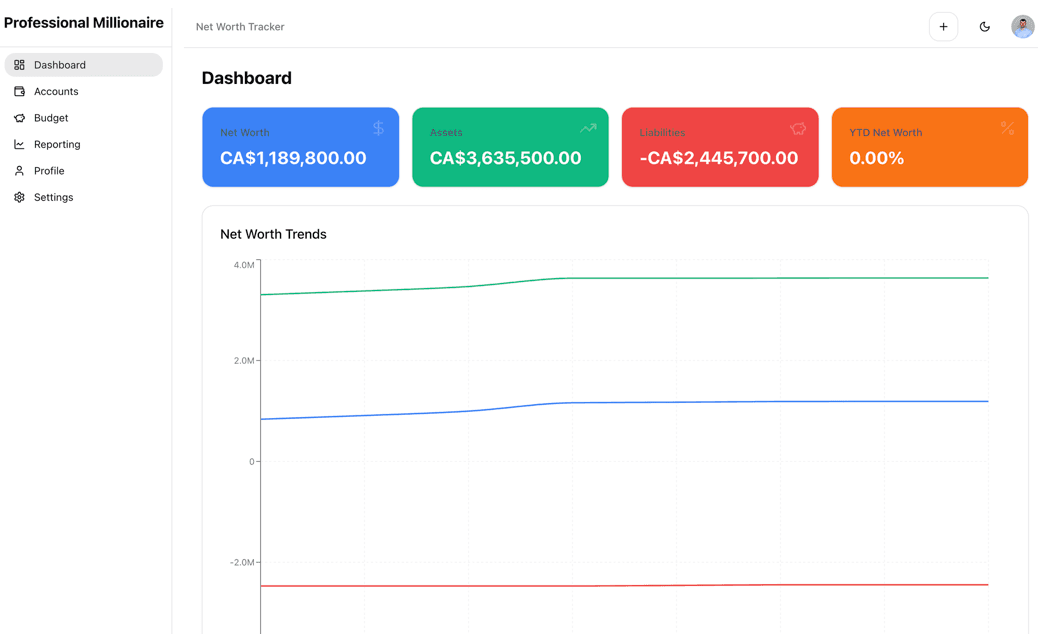
Your accounts are scattered across brokerages, retirement plans, bank accounts, property, and loans, so it’s hard to know where you actually stand. This free tracker puts everything in one place. Add your assets (investments, retirement savings, cash, real estate) and your liabilities (mortgages, credit cards, other debt), and it calculates your net worth for you. Update your balances over time and charts show how your net worth grows, so you can see whether your saving, investing, and debt paydown are working. It also includes budgeting and transaction tracking to connect your day-to-day spending to your long-term wealth. You can open the tracker here or by clicking the image.
How to Use the Tracker
Create a free account and sign in. Then go to “Accounts” and add every asset and liability you have, with its current balance. Your net worth is calculated automatically on the dashboard. Come back regularly, for example once a month, to update your balances. Each update is saved to the account’s history, so the reporting charts show your progress over time. Optionally, set up a budget and log your transactions to see how much of your income goes toward building wealth. You can export your data to Excel whenever you want.
Buy & Hold Rental Real Estate Investment Model Calculator with Scenario Analysis
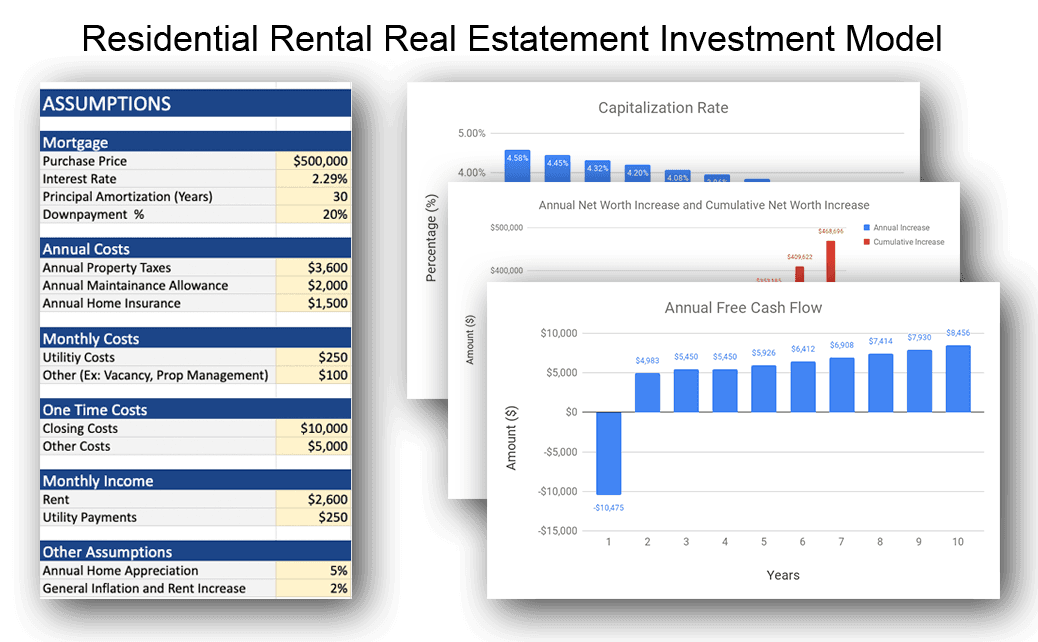
Here you’ll find a great Residential Rental Real Estate Investment Model that will assist you in your real estate investment decision and analysis. It helps estimate cash flow, the cap rate, mortgage paydown, net worth increase, return on investment, and other important investment metrics. Scenario analysis is also available in the model. Namely, base case, best case and worst case scenarios. This helps investors prepare for different market conditions and unexpected issues. You can find the link to the model here or by clicking the image.
How to Use the Model
Once you open it, create a copy for yourself in Google Sheets. Begin by editing only the highlighted cells on the “Assumptions” tab with your unique assumption values for your residential real estate investment. There’s 3 columns for base case, best case and worst case. You can choose to edit values in all three columns or just the base case since the other columns will fill automatically. Then go to the “Calculations” tab and pick which scenario you’d like to view. Then go through all the other tabs to see the calculations, metrics, charts, and graphs. To find out more and to go through a detailed example, go to this article: How to Grow Your Net Worth with Residential Rental Real Estate Investing.
BRRRR Rental Real Estate Investment Model Calculator with Scenario Analysis
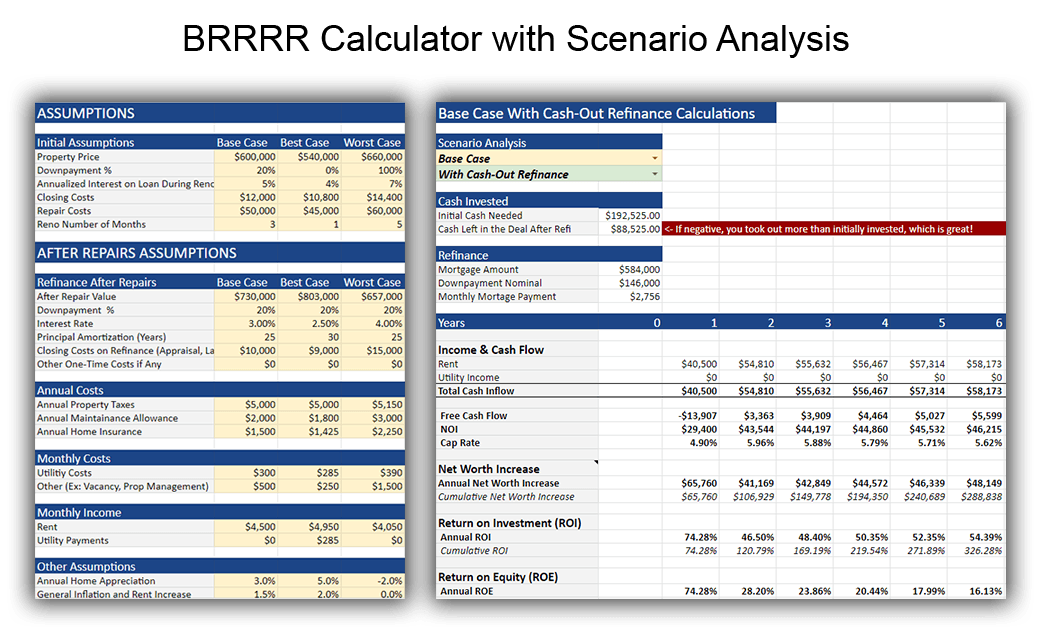
This real estate investment model calculator takes advantage of one of the best investment strategies; BRRRR, which stands for Buy, Rehab, Rent-out, Refinance, and Repeat. The idea is that you pull out all or most of your original investment after increasing the value of the property by doing value-added renovations.
You can find the link to the model here or by clicking the image.
How to Use the Model
Similar to the other model calculators, once you open it, create a copy for yourself in Google Sheets. Begin by editing only the highlighted cells on the “Assumptions” tab with your unique assumption values for your real estate investment. There’s 3 columns for base case, best case and worst case. You can choose to edit values in all three columns or just the base case since the other columns will fill automatically. Then go to the “Calculations” tab and pick which scenario you’d like to view. Additionally, you can choose whether you refinance after the renovation or not.